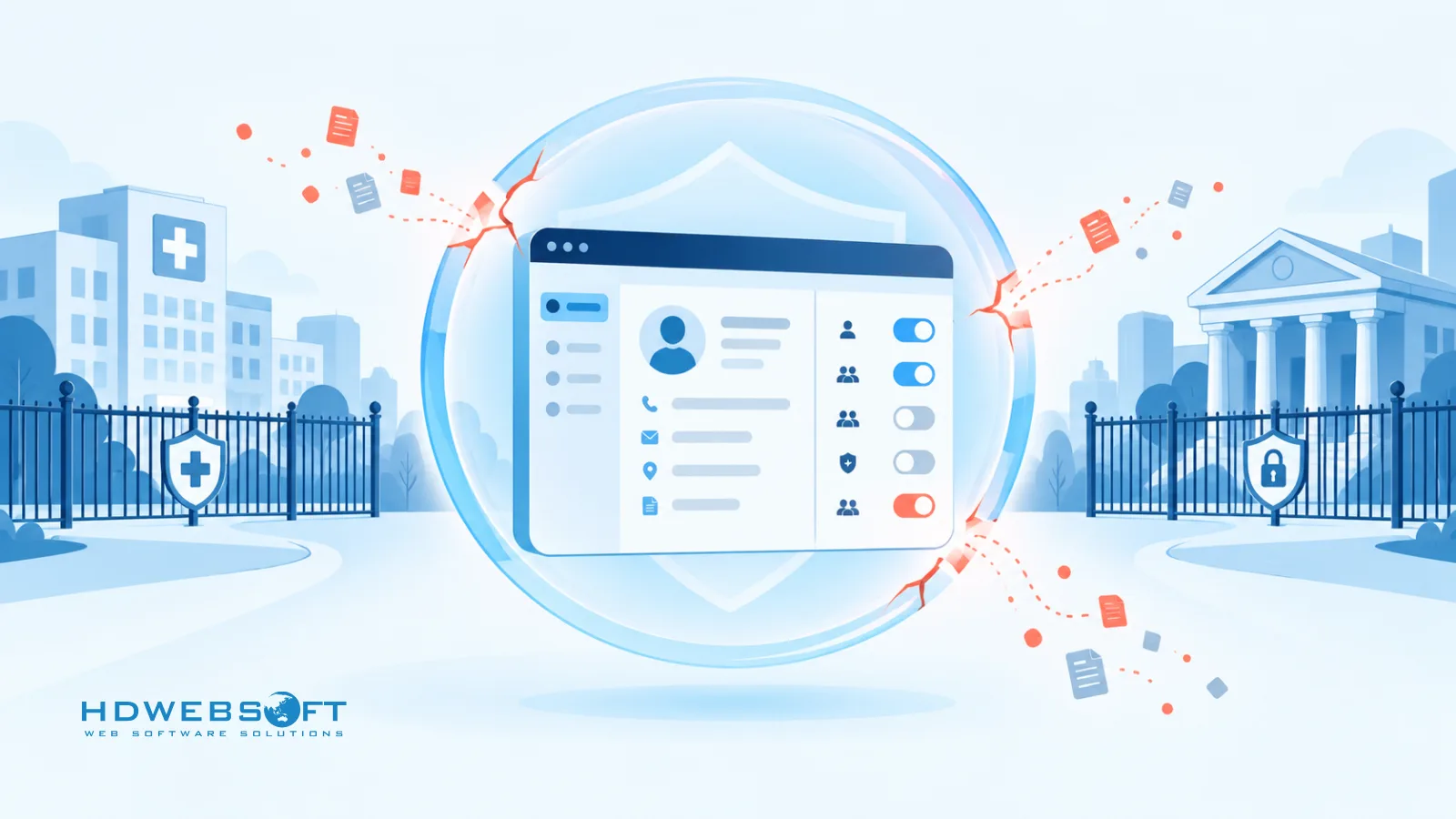
A healthcare provider rolls out a CRM to coordinate patient referrals. Months later, a compliance review asks a simple question: who viewed this patient’s record, and when? The team discovers their logs capture record edits but not read access — and reconstructing the answer takes days. A national insurance broker hits a different version of the same wall: its agent hierarchy spans five levels, but the CRM’s permission model cannot express “agents see only their own book of business, branch managers see their branch, compliance sees everything — read-only.”
CRM security for regulated industries means aligning encryption, access control, audit trails, and integrations with specific compliance frameworks — then evaluating whether a given CRM’s controls are granular enough for that environment. This guide breaks down what that looks like in practice: the frameworks that shape CRM data security, the four architectural layers that matter most, and how to decide between packaged, custom, and composable approaches.
Key Takeaways
- CRM security in regulated industries spans four layers — data, access, audit, and integration — each mapped to specific compliance frameworks such as HIPAA, SOC 2, and GLBA.
- Standard CRM controls, depending on vendor, edition, configuration, and integrations, may not offer enough granularity for some regulated environments.
- A compliance-ready audit trail should be attributable, tamper-resistant, and detailed enough to reconstruct security-relevant activity.
- Encryption in transit and at rest is a sound baseline; selective field-level encryption or tokenization is worth adding when your risk model calls for it.
- A custom or composable CRM is worth considering when your permission model, auditability, or data controls require deeper customization than packaged options provide.
Why Standard CRM Configurations Can Fall Short in Regulated Industries
The compliance gap in standard CRM controls
If your organization is still choosing the right enterprise CRM, security controls deserve a line on the evaluation scorecard — retrofitting them later is almost always harder. Most modern CRM platforms ship with real security features: SSO, role-based permissions, field-level security on some editions, and activity logging. The question is rarely whether controls exist, but whether they are granular enough for a specific regulatory environment.
Depending on the vendor, edition, configuration, and integrations, standard CRM controls may not offer enough granularity for some regulated environments. Four areas deserve scrutiny during evaluation:
- Permission granularity. Can the permission model express your real organizational hierarchy — branches, teams, caseloads, deal ownership — or only a flat set of profiles?
- Audit log depth. Do logs record who viewed sensitive records, not just who edited them? Can you reconstruct a complete sequence of events during an investigation?
- Encryption coverage. Is sensitive data encrypted at the level your risk model requires — including specific fields that carry PHI, PII, or financial identifiers?
- Integration data flows. When the CRM syncs with an EHR, core banking system, or policy admin platform, what data moves, under whose credentials, and is that flow itself auditable?
What regulated industries actually need
Two scenarios illustrate why granularity matters.
In healthcare, a care coordinator should typically see the records of patients in their own caseload — not the full patient list. Emergency access may legitimately be needed, but it should come with a justification prompt, an automatic alert, and enhanced logging. That “break-glass” pattern is a design feature, not a configuration toggle most platforms expose by default.
In financial services and insurance, a brokerage hierarchy might span agents, branch managers, regional directors, and a compliance function. Frameworks like the GLBA Safeguards Rule expect access limited to what each role’s job function requires — and exports, reports, and bulk data access to be monitored. A permission model that cannot represent “my book of business” cleanly tends to push teams toward either over-sharing or fragile workarounds.
Neither scenario proves packaged CRM cannot work. They show that regulated deployments should be evaluated against the organization’s actual control requirements — not a feature checklist.
Compliance Frameworks That Shape CRM Data Security
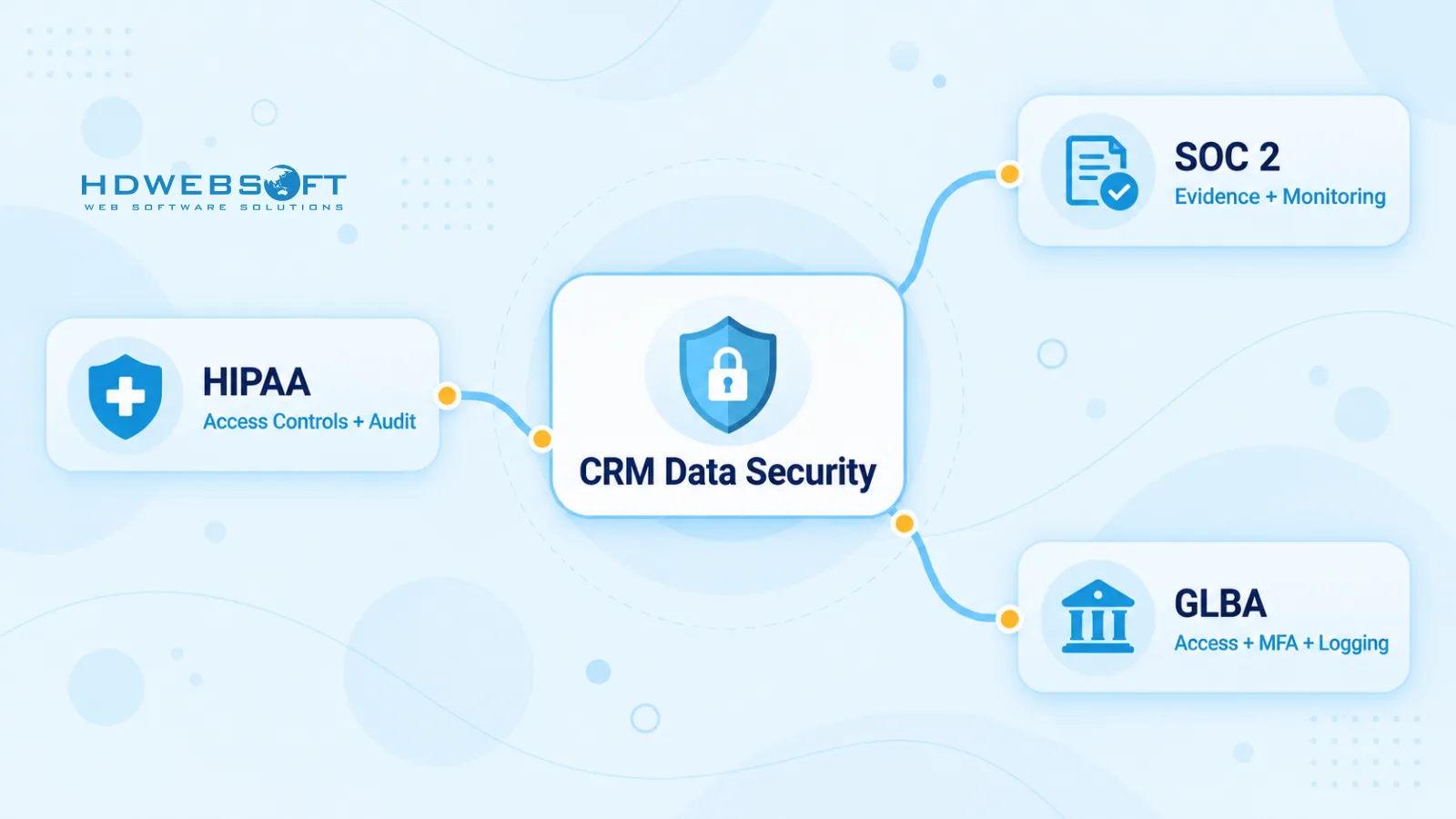
Compliance frameworks determine how a CRM should be designed, not just which policies get written. Three frameworks drive most CRM security requirements in US-regulated industries:
| Framework | Applies to | CRM-relevant controls |
|---|---|---|
| HIPAA | Healthcare providers, insurers, and vendors handling PHI | Access controls and minimum-necessary access; audit controls — the ability to record and examine system activity; transmission security; a Business Associate Agreement (BAA) with vendors processing PHI |
| SOC 2 | Service organizations demonstrating controls to customers | Trust Services Criteria such as logical access (CC6) and system monitoring (CC7); the CRM should produce evidence — access reviews, monitoring logs, change records — for a SOC 2 examination |
| GLBA / FTC Safeguards Rule | Financial institutions, including lenders, brokers, and insurers | Risk-based access controls, MFA, monitoring and logging of user activity, oversight of service providers |
Two others surface less often but matter when they apply. GDPR becomes relevant if the CRM holds EU personal data — particularly around consent, data subject rights, and minimization. PCI DSS applies if the CRM touches cardholder data, in which case the usual recommendation is to segment that data out of the CRM entirely.
One real design tension sits beneath these frameworks: requests to correct or delete personal data can conflict with the expectation that security logs remain tamper-resistant. The practical resolution is architectural, not legal — pseudonymization and data minimization, applied at the data layer, let organizations honor erasure requests on customer records without rewriting the integrity model of their audit trail.
HIPAA in practice for CRM systems
HIPAA applies to a CRM the moment it stores or processes PHI — referral notes, patient contact details, case histories. Three practical consequences follow.
First, the vendor relationship matters: a covered entity generally needs a BAA with any CRM vendor that handles PHI on its behalf. Second, the minimum necessary rule translates directly into access design — users should reach only the PHI their role requires, which is where permission granularity stops being theoretical. Third, the HIPAA Security Rule frames audit controls as the ability to record and examine system activity — the standard is whether your logs let you reconstruct what happened, not whether a specific field history format was used.
For a deeper look at how these requirements shape healthcare software generally, see our guide to HIPAA-compliant software development.
SOC 2 in practice for CRM systems
SOC 2 is an examination and reporting framework — an auditor’s assessment of an organization’s controls — not a certification a product carries or a feature a CRM ships with. That distinction changes how teams should think about it.
A SOC 2 examination evaluates the controls your organization operates. Your CRM sits inside that system of controls: it should be able to produce the evidence auditors ask for — access reviews, monitoring logs, change records, evidence of least-privilege enforcement. When a vendor says their platform is “SOC 2 compliant,” they are describing the SOC 2 examination their own service organization underwent. That report covers their operations. It does not make your environment compliant — your configuration, integrations, and internal controls remain your responsibility, and your auditor’s scope.
Designing a Secure CRM Architecture
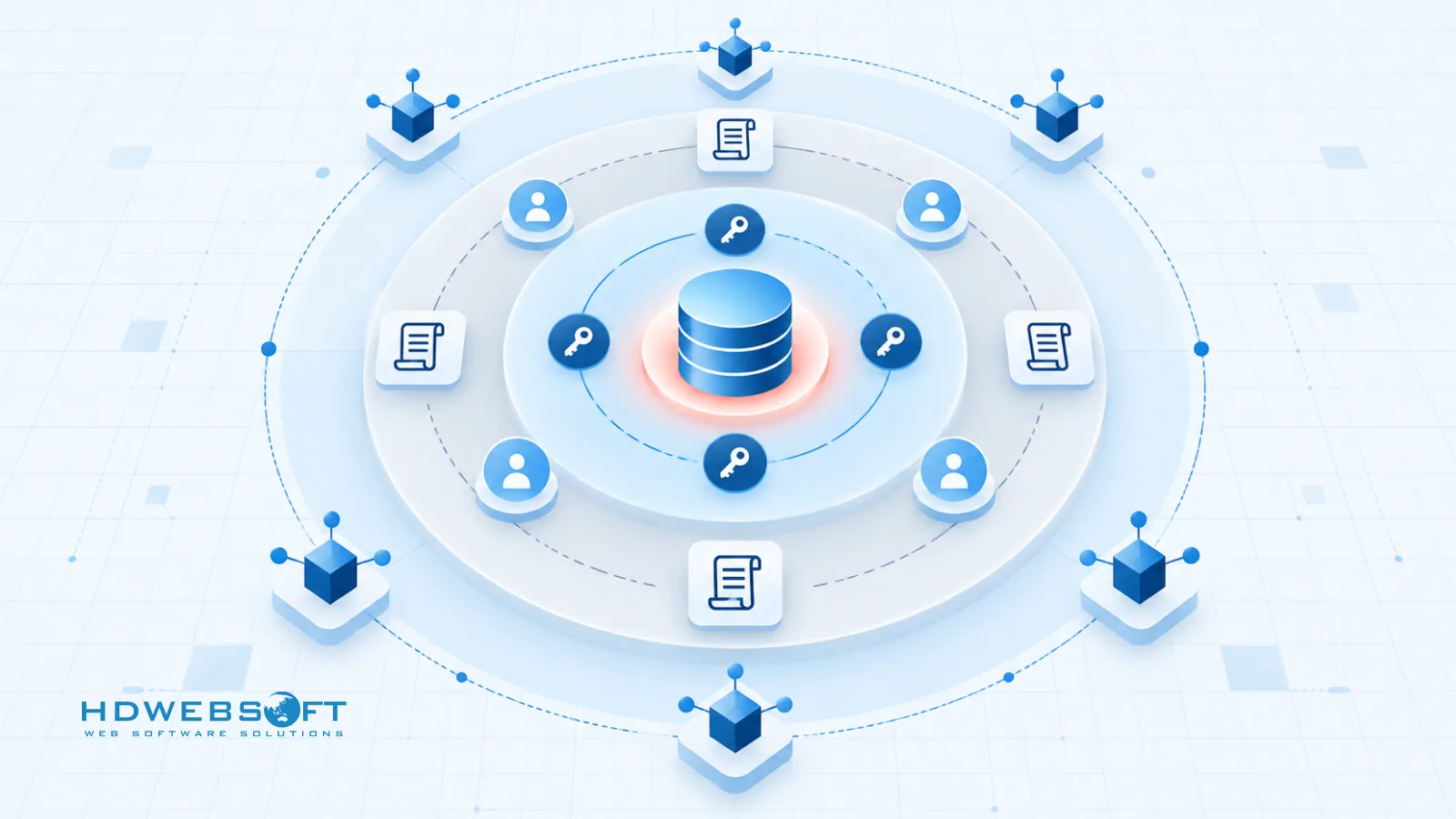
Whatever the delivery model — packaged, custom, or composable — CRM security architecture resolves into four layers. Each maps back to the frameworks above.
Encryption, Key Management & Data Segmentation
Encryption in transit (TLS 1.3) and at rest is a sound baseline — most reputable platforms provide both. The design questions start beyond the baseline.
-
Selective field-level encryption or tokenization is worth adding when your risk model calls for it — for fields carrying PHI, national identifiers, or financial account data — rather than as a blanket default. Tokenization works well for values the CRM needs to reference but never display in the clear. The trade-off is real: encrypted fields are harder to search, sort, and report on, so selectivity matters.
-
Separate key management keeps encryption keys in a dedicated KMS or HSM rather than alongside the application layer, so a compromised application credential does not silently become a decryption capability. Tenant and data segmentation completes the layer — for multi-entity organizations, isolation between business units or tenants should be enforced in the data model, not left to UI filtering alone.
Granular Access Control — RBAC and Beyond
Role-based access control covers most permission needs, and hierarchical RBAC handles most organizational structures. RBAC may be insufficient when access depends on context — caseload, region, tenant, account ownership, or transaction type. That is where attribute-based access control (ABAC) enters: policies evaluated against the attributes of the user, the record, and the request itself.
Two supporting patterns matter in regulated deployments:
- Least privilege and separation of duties. Default-deny access, and ensure no single role can both initiate and approve a sensitive action — a SOC 2 examiner will look for this.
- Break-glass access. In healthcare especially, emergency access must exist — wrapped in a justification prompt, an automatic alert to compliance, and enhanced logging for that session.
The evaluation question for any CRM is not “does it have RBAC” but “can its permission model express our policies without forcing us into workarounds we then have to audit?”
Audit Trails Built for Compliance
A CRM audit trail built for compliance should be attributable — every event tied to a real identity, not a shared account; tamper-resistant — append-only or integrity-protected so logs cannot be quietly rewritten; and detailed enough to reconstruct security-relevant activity — logins, permission changes, record edits, exports, and read access to sensitive records where that access itself is security-relevant.
Retention deserves the same care as capture. Rather than a universal number, retention should follow your regulatory, contractual, legal, and organizational requirements — different frameworks and contracts set different floors, and legal holds can extend them. Where the organization runs centralized monitoring, exporting CRM logs to a SIEM turns the audit trail from a forensic archive into a detection surface.
Secure CRM Integration with Core Systems
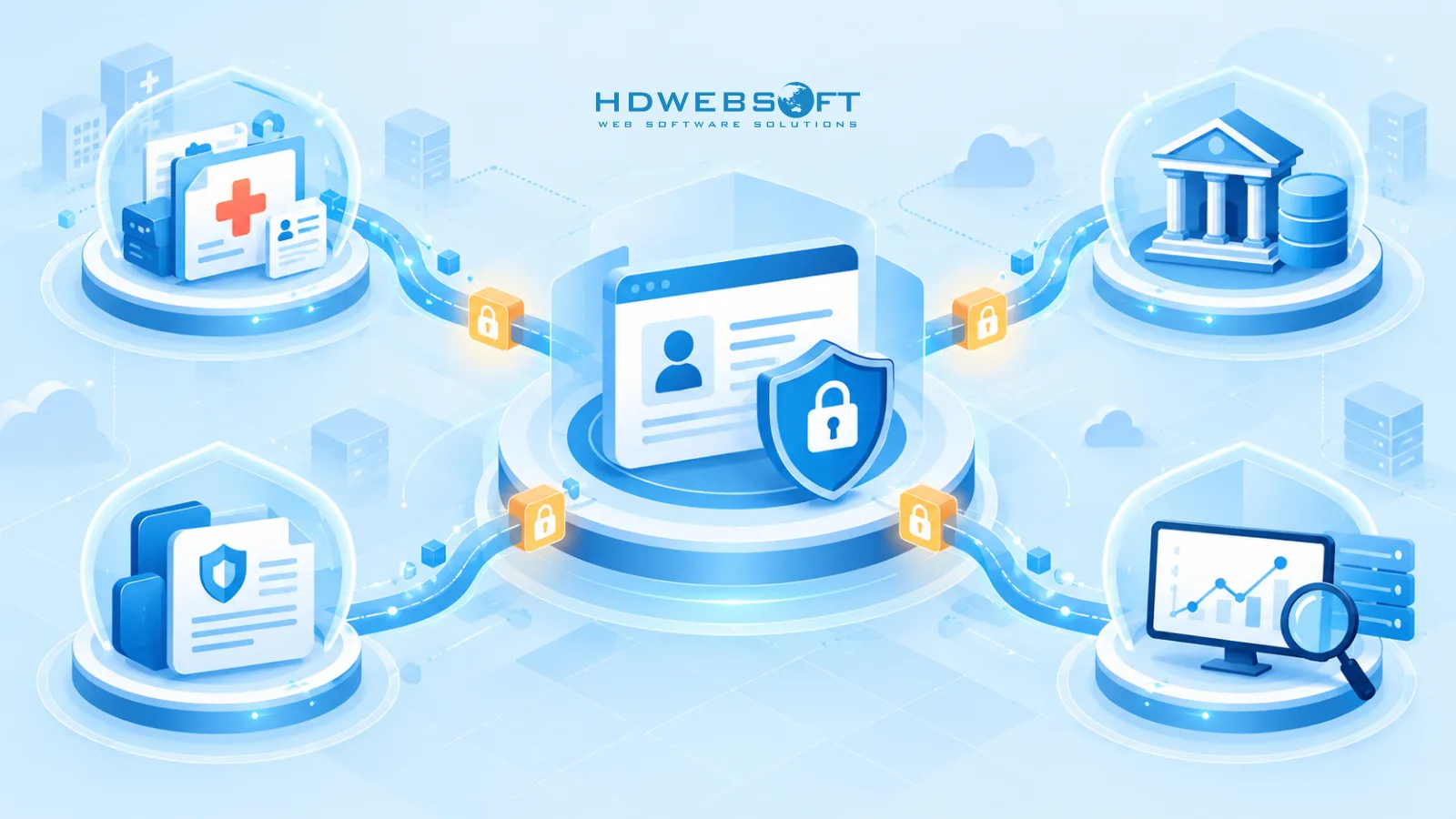
A CRM rarely stands alone in a regulated stack — it syncs with EHRs, core banking platforms, policy admin systems, and data warehouses. Every integration is an extension of the security perimeter.
Sound patterns include an API gateway as the single enforcement point; OAuth 2.0 or mutual TLS for service authentication; scoped service accounts with exactly the permissions the integration needs — not a broadly privileged admin user; signed webhooks so inbound events are verifiable; and data minimization in sync design, moving only the fields the downstream process requires rather than whole tables. Queue-based synchronization is worth the extra plumbing: each message becomes an auditable unit, which matters when an examiner asks how a record reached a downstream system.
The evaluation question mirrors the access layer: what can the integration account reach, and can you audit every record it touched?
Build vs. Buy — When Custom CRM Security Is Worth Considering
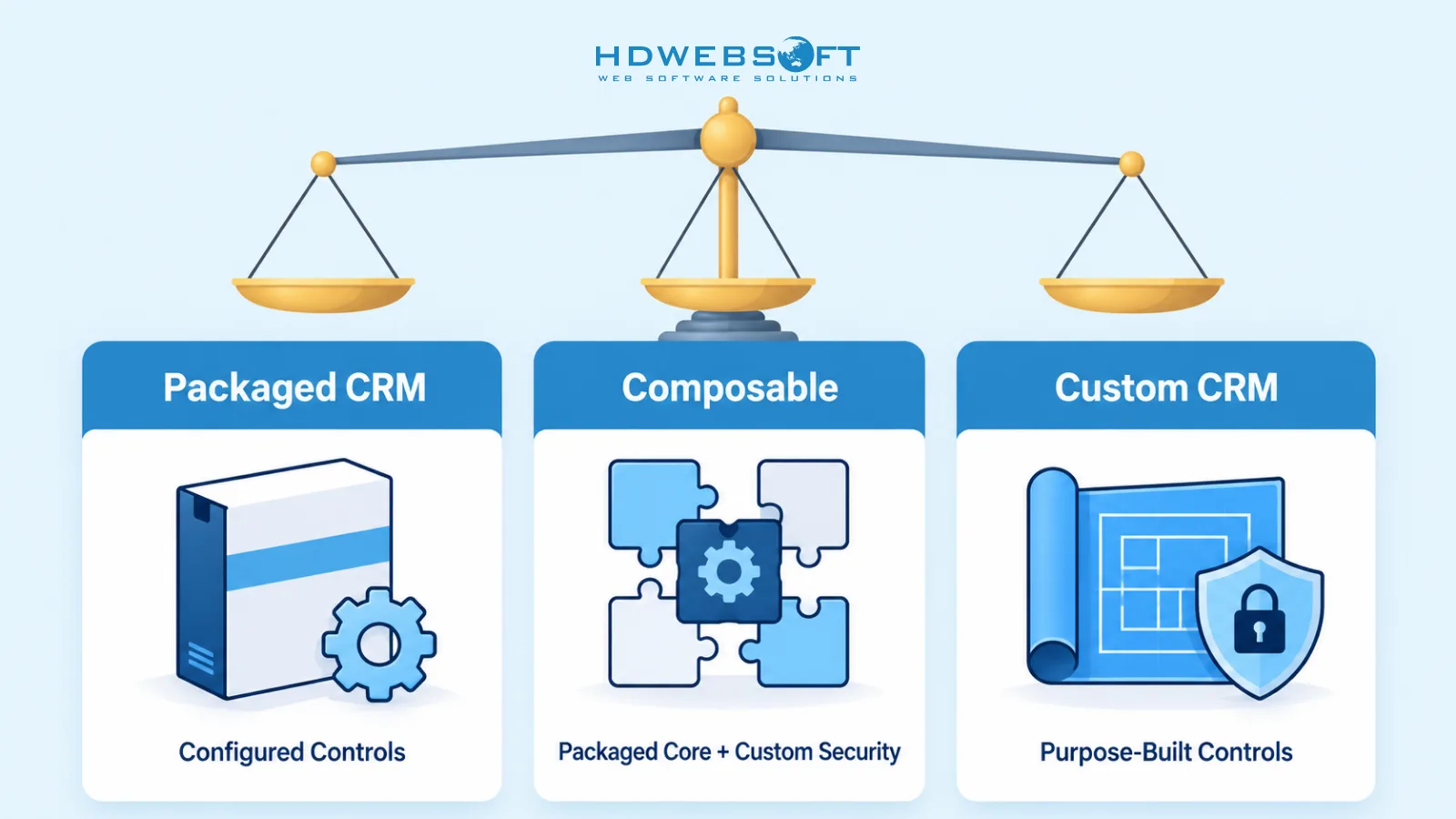
The decision is not “secure custom versus insecure packaged” — it is whether the controls you need fit inside a packaged platform’s configuration surface.
A packaged CRM is often sufficient when workflows are standard, the vendor’s security capabilities cover your compliance needs, and your integration footprint is simple. A custom or composable approach is worth evaluating when the permission model needs context-aware granularity, auditability requirements go beyond standard configuration, data controls need deep customization, or the CRM must integrate tightly with proprietary core systems.
Signs a custom security layer is worth evaluating:
- Your access policies depend on context — caseload, territory, ownership — that roles alone cannot express.
- Compliance reviews require reconstructing record-level activity, including reads, beyond what current logs provide.
- Integrations with core systems need scoped credentials and per-message auditability that marketplace connectors do not offer.
- Data segmentation across entities or tenants must be enforced in the data model itself.
- In fintech software development and similar regulated contexts, compliance obligations attach to workflows a generic CRM data model does not represent.
A composable middle path is increasingly common: a packaged CRM core with custom-built security modules, integration layers, or audit services where requirements demand more than configuration can deliver.
How HDWEBSOFT Approaches CRM Security
HDWEBSOFT has delivered UX/UI and software solutions for US financial and insurance organizations — including a US financial advisory group and a national insurance brokerage — where permission granularity, data isolation, and auditable workflows were central requirements, not afterthoughts.
Our delivery approach treats compliance as a design input from day one:
- Compliance mapping. Translate the applicable frameworks into concrete control requirements before architecture decisions are made.
- Security architecture design. Define the four layers — encryption and segmentation, access model, audit trail, integration security — against those requirements.
- Implementation with security testing. Build alongside access-control verification, logging validation, and integration security review.
- Audit-ready documentation and handover. Deliver the control documentation and evidence trails your compliance team and auditors will actually need.
In our multi-tenant loan management platform work, for example, tenant-level data isolation and auditable financial workflows were core design constraints — the same class of problems a regulated CRM deployment surfaces.
Conclusion
CRM security in a regulated industry is a design decision, not a settings page. The organizations that get it right treat compliance frameworks as architectural requirements — shaping how data is encrypted and segmented, how access is modeled, how activity is logged, and how integrations are scoped. Whether the answer is a well-configured packaged platform, a custom build, or a composable mix depends on how much granularity your regulatory environment genuinely demands.
Ready to evaluate your CRM security posture? Schedule a confidential CRM security & compliance consultation with our team.
Frequently Asked Questions
What is CRM security?
CRM security is the set of controls that protect customer data inside a CRM system across four layers: data protection (encryption and key management), access control (roles and permissions), audit trails (records of system activity), and integration security (how the CRM exchanges data with other systems).
Does HIPAA apply to CRM systems?
Yes. When a CRM stores or processes protected health information (PHI), HIPAA applies. Covered entities typically need a Business Associate Agreement (BAA) with the vendor and technical safeguards — such as access controls and audit controls — appropriate to how the CRM handles PHI.
What should a CRM audit trail capture for compliance?
A compliance-ready CRM audit trail should capture security-relevant activity in enough detail to reconstruct events: who performed an action, what changed, when, and from where — including read access where relevant. Logs should be attributable, tamper-resistant, and retained according to regulatory, contractual, legal, and organizational requirements.
RBAC vs ABAC — which does a regulated CRM need?
Role-based access control (RBAC) covers most permission needs. Attribute-based access control (ABAC) becomes relevant when access depends on context — such as caseload, region, tenant, account ownership, or transaction type. Many regulated organizations need hierarchical RBAC alone, or RBAC combined with attribute-based rules.
Can an off-the-shelf CRM support HIPAA or SOC 2 requirements?
Yes, depending on the product, eligible services, contractual terms, configuration, integrations, and the organization’s own controls. Vendor compliance capabilities do not automatically make the customer environment compliant.
When should we build a custom secure CRM?
Consider a custom or composable CRM when your permission model needs context-aware granularity, your auditability requirements go beyond standard configuration, your data controls need deep customization, or you must integrate tightly with proprietary core systems such as an EHR or core banking platform.